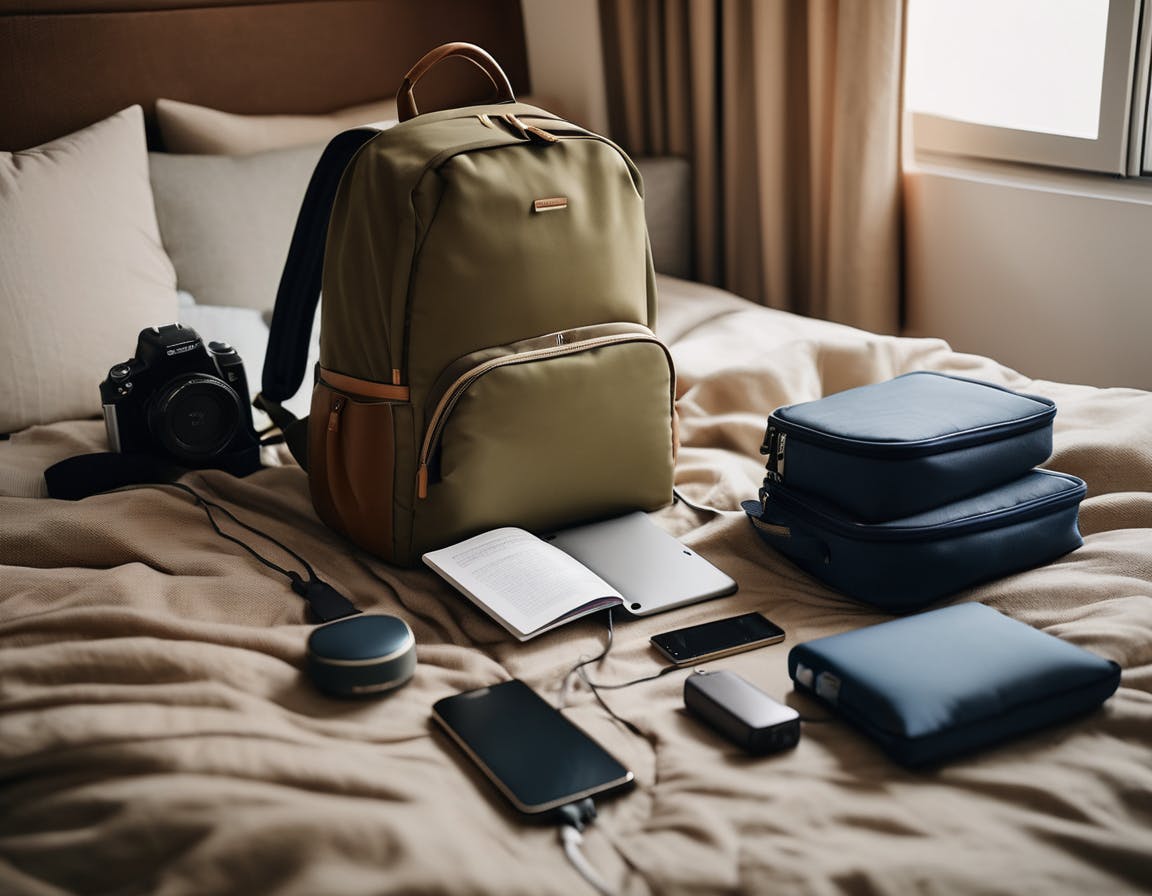
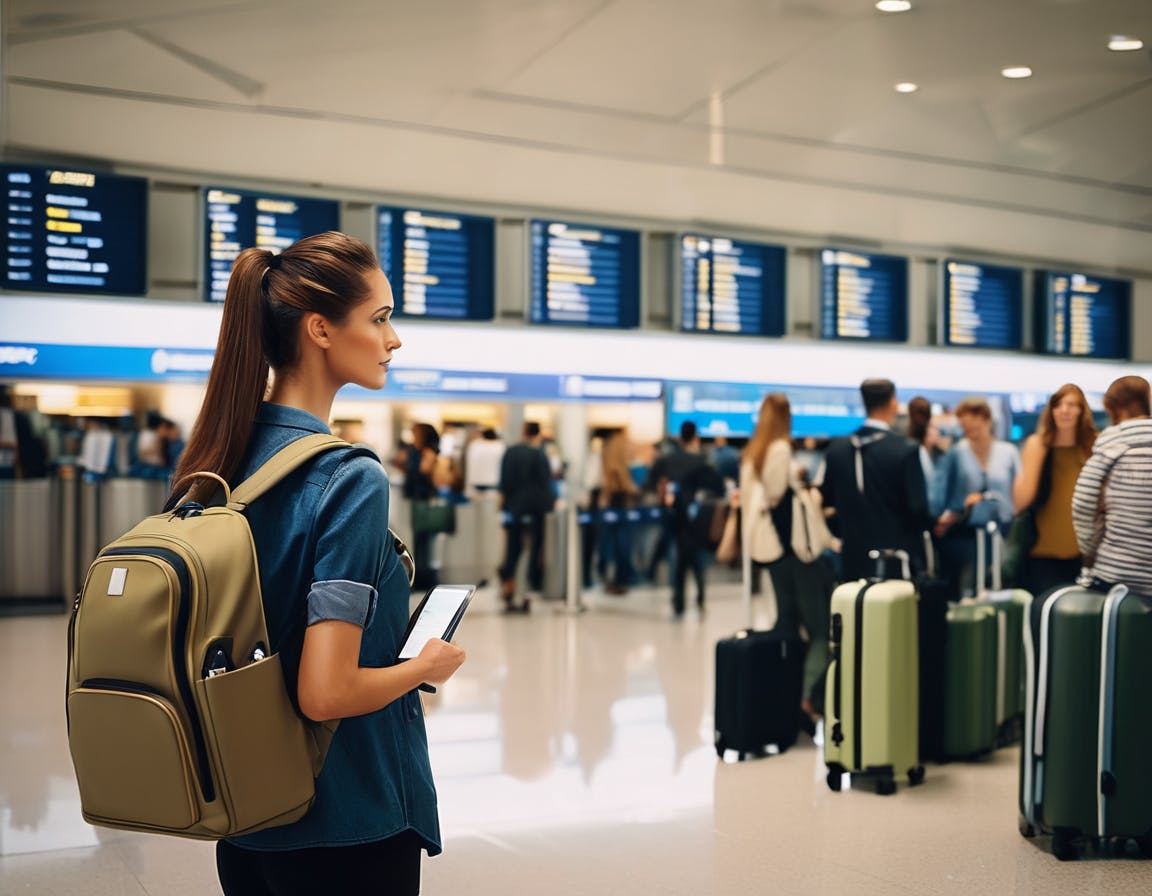
Electronics are among the easiest items to lose inside a travel bag. Chargers slide beneath clothing, cables wrap themselves into mysterious knots, and the one adapter you genuinely need disappears at the worst possible moment.
A small organisation system prevents this entirely. When electronics have a designated space inside a travel backpack, everything becomes easier to locate during flights, airport security, and hotel check-ins.
The solution is not packing fewer devices. The solution is packing them deliberately.
Start With a Dedicated Electronics Zone
One section of the bag should always contain your electronics. Many travel backpacks include padded laptop sleeves and secondary compartments that work well for this purpose.
Keeping technology separate from clothing prevents cables from disappearing into packing cubes or becoming tangled in sweaters.
If your backpack includes several compartments, choose one area and make it the permanent electronics location for every trip.
Use a Cable Organiser
Small cable organisers solve one of the most common travel frustrations. Instead of several loose chargers floating around the bag, everything stays contained in one place.
A simple organiser can hold:
- Phone charging cable
- Laptop charging cable
- Travel adaptor
- Power bank
- Earphones or small headphones
When the organiser stays in the same location within the bag, finding a cable becomes immediate rather than a search.
Keep Frequently Used Items Accessible
Not every electronic item needs to live deep inside the backpack. A few items are used regularly during travel days.
- Phone charger
- Power bank
- Earphones
These can sit in smaller front pockets or quick-access compartments.
This arrangement means you can charge a phone or connect headphones without opening the main section of the bag. Don’t forget that power banks may need to be kept in a bag at your feet inside the cabin, not in the overhead locker.
Protect Larger Devices Properly
Laptops and tablets benefit from padded sleeves designed to prevent pressure and movement during travel.
Most modern travel backpacks include a dedicated laptop compartment. Placing the device here also helps during airport security, when laptops are often removed from bags.
For travellers who frequently pass through security checkpoints, this layout works particularly well alongside the carry-on organisation system described in How to Organise Your Carry-On Bag for Faster Airport Security.
Avoid the “Loose Cable” Problem
Loose electronics often cause the biggest problems. A single cable placed casually into a backpack pocket tends to migrate across compartments during a journey.
By the time you reach your hotel, it may be sitting beneath a layer of clothing or tangled with other items.
A cable organiser or small pouch prevents this movement entirely.
Electronics Work Best in a Structured Bag
Backpacks designed with multiple compartments naturally support this type of organisation. Instead of a single large space where everything disappears, each item receives its own location.
This structure becomes especially useful on travel days that involve airport transfers, trains, or several accommodation changes.
When electronics stay organised, the travel bag becomes easier to manage and the entire journey feels calmer.
Travellers who are building a preparation-first packing system may also find it helpful to review the broader approach outlined in Carry-On Packing List for Australia and New Zealand, where clothing and travel essentials are organised alongside electronics in a structured carry-on layout.